Key takeaways
- A trackable QR code points to a link that counts each scan before sending the person on, so the tracking lives in the link.
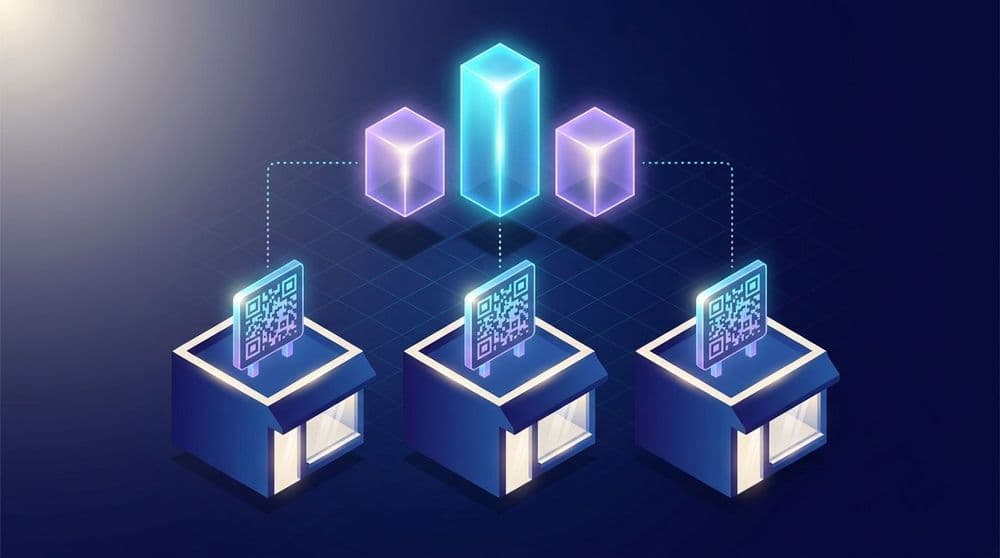
- Giving every store its own link and code lets identical-looking signs report separate numbers.
- For a business with an app, installs per location tell you more than scan counts.
- A naming pattern for your links (brand, city, store, spot) keeps the data readable once you have dozens of codes.
A franchise with twenty stores prints one poster with one QR code and hangs it in every window. Scans come in and app installs go up. Nobody can say which stores did the work, because every scan went through the same link.
Trackable QR codes solve that by giving each location a code of its own. This post walks through setting them up across a chain or franchise, and reading the results once scans start coming in.
What makes a QR code trackable
A QR code is a picture of a web address. Your phone camera reads the picture and opens the address, and that's everything the square holds.
A trackable QR code holds the address of a link you control. That link counts every visit and then sends the person on to wherever they're meant to go. Since the counting happens at the link, two codes can look identical on a poster and still report separately, as long as each one points to a different link.
Static and trackable codes
Static codes point straight at their final destination, such as your website's home page. Once printed, a static code goes to that address forever, and nothing records the scan unless the page on the other end has its own analytics.
Trackable codes, which you'll also see called dynamic QR codes, add a step in between. The scan hits a short link first, the link records it, and the person moves on to the destination a fraction of a second later. Because the code points at the link and not the destination, you can also change where it sends people after it's printed. In Ulinkly you edit the link's destination and the printed code keeps working, as long as the link's address stays the same, which saves a reprint when an offer ends.
One link per location
Create a separate link for each store. Ulinkly generates a QR code for every link, so each store gets its own code. The codes can share the same colors and open the same screen in your app. Customers see no difference, and the numbers land in separate places.
A chain with twenty stores needs twenty links. Set them up before the print order goes out and label each print file with its store, so the downtown code doesn't end up in the airport window.
Name your links so you can read them in a year
Twenty links are easy to keep track of. Two hundred, spread across stores and across spots inside each store, turn into a mess quickly. A naming pattern holds the whole thing together, and one that works well is brand, city, store, then spot.
A link named bakery-denver-unionstation-counter (set in the link's name field, separate from its web address) tells you everything you need when it shows up in an export a year from now. Pick the pattern before you create the first link and write it down somewhere the whole team can find it.
What you can see for each location
Most QR tracking tools stop at the scan. They show how many times a code was scanned and when, sometimes with the type of phone. For a business with an app, the more useful question is whether those scans turned into app users.
Every Ulinkly link reports its total clicks. On paid plans it also reports QR scans and the app installs that came through it. Attribution is the part that connects an install to the code that caused it. Because each store has its own link, those numbers line up by location.
Say the downtown store gets plenty of scans and few installs, while a suburban store gets fewer scans that turn into installs far more often. Find out what the suburban team does at the register, and give the downtown sign a clearer line about what the scan gets you.
Compare spots inside the same store
The same approach works inside a single location. Give the window poster, the counter sign, the table tents, and the receipt their own links. After a month you'll know which spot earns its space.
Move a sign that underperforms, or rewrite the line beside it, and watch whether the numbers follow. Small changes like these are cheap to test when every spot reports on its own.
Running several brands from one app
Groups that run more than one brand often put them all in a single app. Picture a coffee chain and a bakery brand that share one. A scan in the bakery should open the bakery's section of the app, and a scan in a café should open the café's menu.
Each link carries its destination along with the brand and store, so the app opens in the right place, as explained in why a QR code should open your app. With deferred deep linking, that holds for customers who don't have the app yet. They scan, install, and land on the right brand's screen on first launch, provided they open the app soon after scanning. If you're running a loyalty program, the digital punch card guide covers how that first visit turns into a stamp.
The reporting follows the same structure. Every link starts with the brand in its name, so one export lets you total results by brand and then drill down to a single store.
Turning the numbers into decisions
On paid plans, Ulinkly lets you export link data as a CSV, with each link's name next to its clicks and installs. Open it in a spreadsheet once a month, split the link names on the dashes, and you get columns for brand, city, store, and spot. A franchise owner can run that review in an afternoon without a data team. The QR code marketing guide shows how to turn those numbers into a cost per install.
From there the decisions are practical ones. Stores where scans rarely turn into installs might need staff to mention the program at the register. Spots that bring in nothing can give their space back to something else.
Ulinkly is free for up to 10,000 monthly active users per project, with unlimited links and a basic QR code for each one. The Starter plan, at $9 a month, adds deferred deep linking and install attribution, which connect each install to the store that brought it in, along with per-link scan and install counts, branded QR colors, and CSV export.
Frequently asked questions
What is a trackable QR code?
A trackable QR code points to a link that records each scan before sending the person on to the destination. Because the tracking happens at the link, you can give each location or placement its own code and compare how they perform.
What's the difference between a static and a trackable QR code?
A static QR code points straight at its destination and records nothing about who scanned it. A trackable QR code, also called a dynamic QR code, goes through a link first, and that link counts the scans. Because the code points at the link, you can usually change its destination after printing.
What QR code analytics can you see?
Most QR tools show scan counts over time, sometimes with the device type. If the code leads to an app, the number that matters more is installs per code. On paid plans, Ulinkly reports scans, clicks, and installs for each link, and you can export the data as a CSV.
Can you track QR codes by location?
Yes. Give each location its own link and QR code. The codes can look identical to customers while reporting separately, so you see scans and installs per store. A consistent naming pattern for the links, such as brand, city, store, and spot, makes the results easy to sort.
Can a trackable QR code open an app?
Yes, if the link behind it is a deep link. Customers who have the app go straight to the right screen. With deferred deep linking, customers who don't have it are sent to install and then land on the same screen the first time they open the app, and, on paid plans, the install is credited to the code they scanned when they open the app soon after.
See which store brings in your app users
Ulinkly gives every link a QR code you can track, so each location reports its own scans and installs. Create a free Ulinkly account, add a link for your first store, and start comparing.